Nothing breaks an interior render faster than a bad window view. The room can have perfect materials and lighting, but if the view outside is a flat, blurry photo or a pure white blow-out, the client feels something is wrong. This guide covers practical ways to make window views look real in 3ds Max with Corona or V-Ray, and most of the ideas work in Blender and D5 Render too.
Window views are also a hot topic right now. In October 2026, Chaos showed a new Parallax Interiors map in Corona’s preview builds that fakes depth behind a window from a single image. We cover it below, along with the classic methods every archviz artist should know.
Key takeaways
- Match the backplate horizon to camera eye height and use a large, sharp image.
- Use a self-illuminated material for the backplate so it reads as daylight, not a poster.
- Expose for the interior; keep the view brighter but with detail, using highlight compression.
- Give glass a soft reflection and match sun direction and colour inside and out.
- Add 3D details near the window, like curtains, frames and railings, for depth.
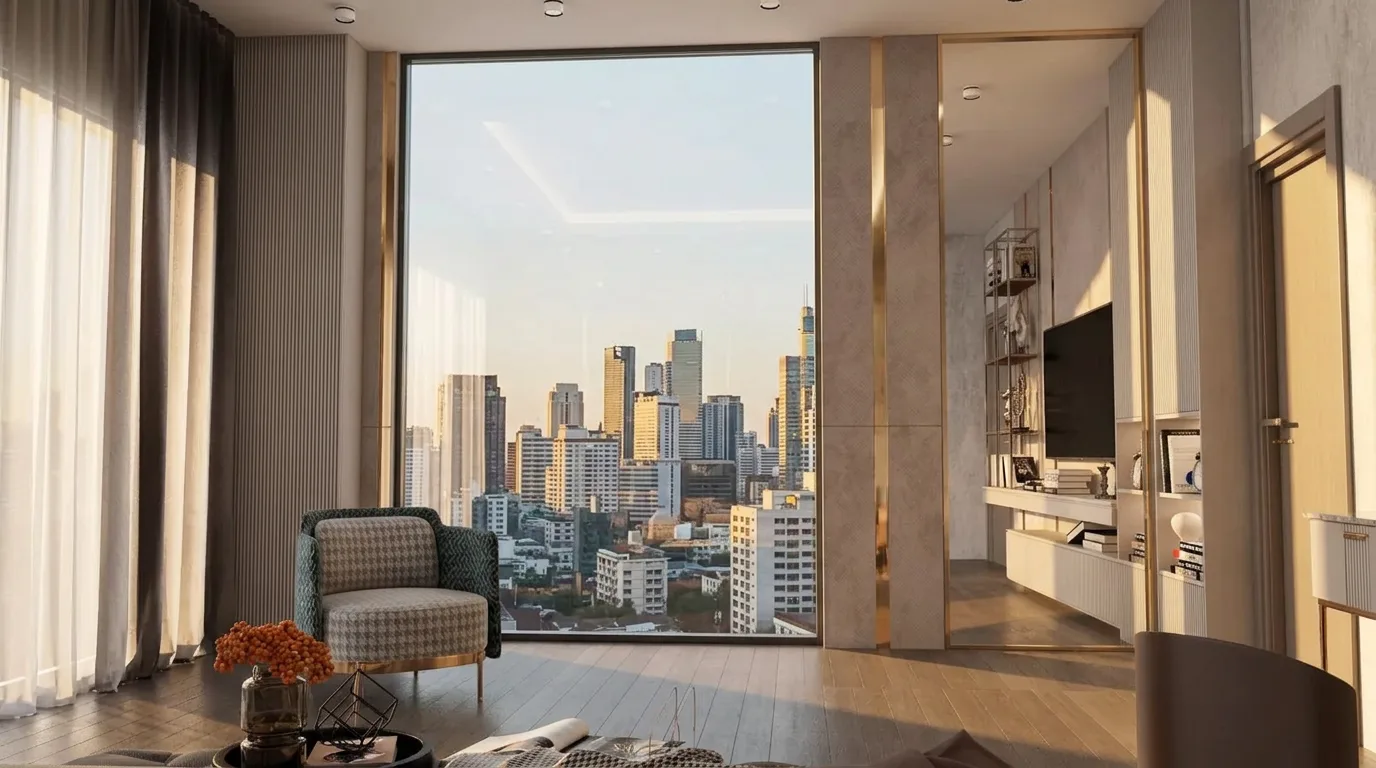
Why Window Views Matter So Much
In most interior shots, the window is the brightest part of the frame. The eye goes there first. That means any mistake in the view, such as wrong scale, wrong perspective or wrong exposure, is noticed right away. A good view also tells a story: a city apartment, a garden villa or a beach house. It sells the design.
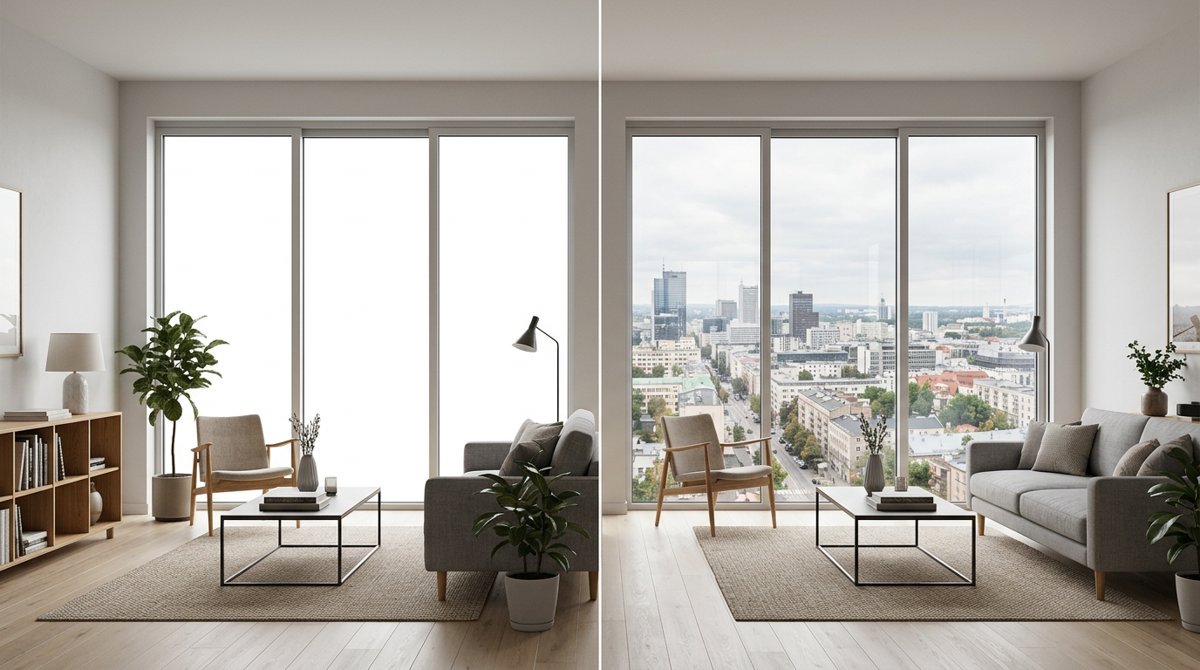
Tip 1: Pick the Right Method for the Shot
There are four common ways to put something outside a window. Choose based on camera angle and how much the view matters.
- HDRI only: The environment map lights the scene and also shows through the glass. Fast, but HDRIs are often low resolution near the horizon, so the view can look soft.
- Backplate on a plane: A high resolution photo mapped on a large plane or curved surface outside the window. This is the most common archviz method and gives you full control.
- Real 3D context: Modeled buildings, trees and scatter outside. Best for animations and wide angles, but heavy on RAM and render time.
- Parallax / fake depth map: A shader that creates the feeling of depth from one image. Great for many windows seen at an angle, like a building facade.
For a still image with a mostly straight camera, a backplate is usually enough. For a walkthrough or a camera that moves past the window, add real geometry close to the window, and keep the backplate for the far distance.
| Method | Best for | Trade-off |
|---|---|---|
| HDRI only | Quick tests and soft lighting | Often soft near the horizon |
| Backplate on a plane | Most still images | Needs a large, sharp photo |
| Real 3D context | Animations and wide angles | Heavy on RAM and render time |
| Parallax / fake depth map | Many windows seen at an angle | Best for facades, not close views |
Tip 2: Set Up the Backplate the Right Way
Use a self-illuminated material, not a normal diffuse one
A backplate should look like daylight coming from outside, not a poster lit by your interior lights. In Corona, use a CoronaLightMtl with the photo in the color slot. In V-Ray, use a VRayLightMtl. Turn off shadow casting for the plane and make sure it does not emit light into the room, or it will tint your interior.
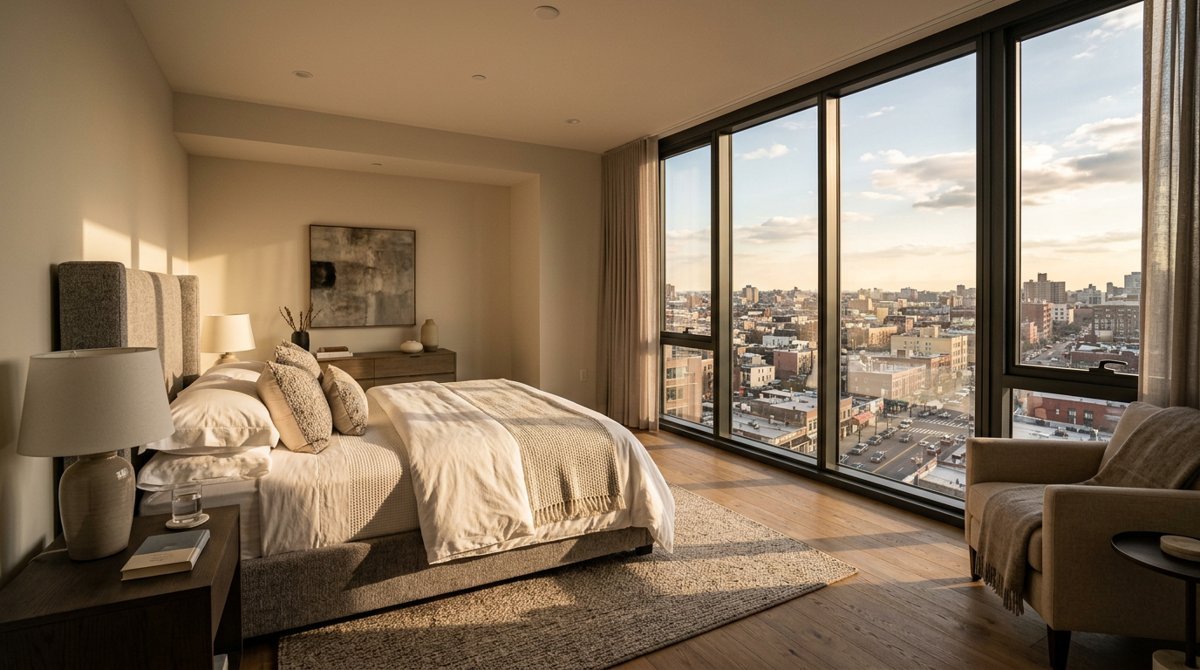
Match scale and horizon line
The horizon in the photo should sit at the camera’s eye level. If your camera is 1.2 m high on the 10th floor, the view should look down on the street, not straight at it. Wrong horizon height is the number one reason window views look fake. Place the plane far enough away (often 30 m or more) so small camera moves do not reveal its edges.
Use a high resolution image
If the window fills half of a 4K render, the visible part of the photo needs to be large too. A small, sharp-looking JPG often turns into mush when cropped. Use a large photo and only show the part that fits the story.
Tip 3: Balance Exposure Between Inside and Outside
In real photography, an outside view is always brighter than the interior. Real estate photographers often bracket shots to keep detail in the window. Your render should feel the same: brighter outside, but not pure white.
- Expose the camera for the interior first.
- Raise the backplate intensity until the view is clearly brighter than the walls, but still shows detail in the clouds and buildings.
- Use the tone mapping controls (highlight compression in Corona, or the filmic/highlight options in V-Ray’s frame buffer) to bring back burnt areas instead of darkening the whole image.
- Add a light bloom or glare pass at a low value. A little glow at window edges looks natural; too much looks dreamy and soft.
If you are not sure why your windows keep burning out, try our free Render Doctor tool. It walks you through common render problems and quick fixes.
Tip 4: Make the Glass Do Its Job
Real glass is not invisible. It adds subtle reflections and a slight color shift that tell the viewer there is a pane between the room and the view.
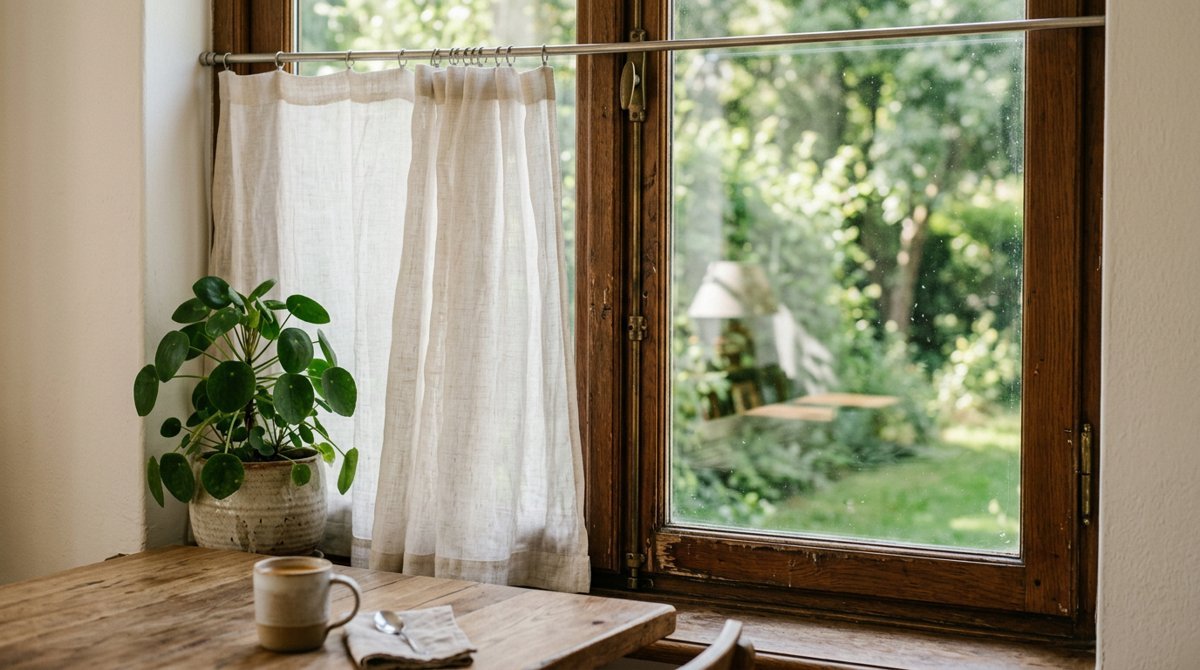
- Use thin glass or a single-sided glass setting for window panes. It renders faster and avoids double refraction.
- Keep a soft reflection of the interior on the glass, especially at an angle. It is one of the easiest realism wins.
- Add a very light green or blue tint for clear glass, and a tiny smudge or dirt map at low strength if the camera is close.
- Make sure the glass lets sunlight and sky light pass through. In Corona, the thin-walled option on the physical material helps light pass cleanly; in V-Ray, turn on “affect shadows” in the refraction settings.
Tip 5: Match the Light Outside With the Light Inside
If the backplate shows a sunny afternoon but your interior has cold, flat light with no sun patches, the image feels wrong. Match three things:
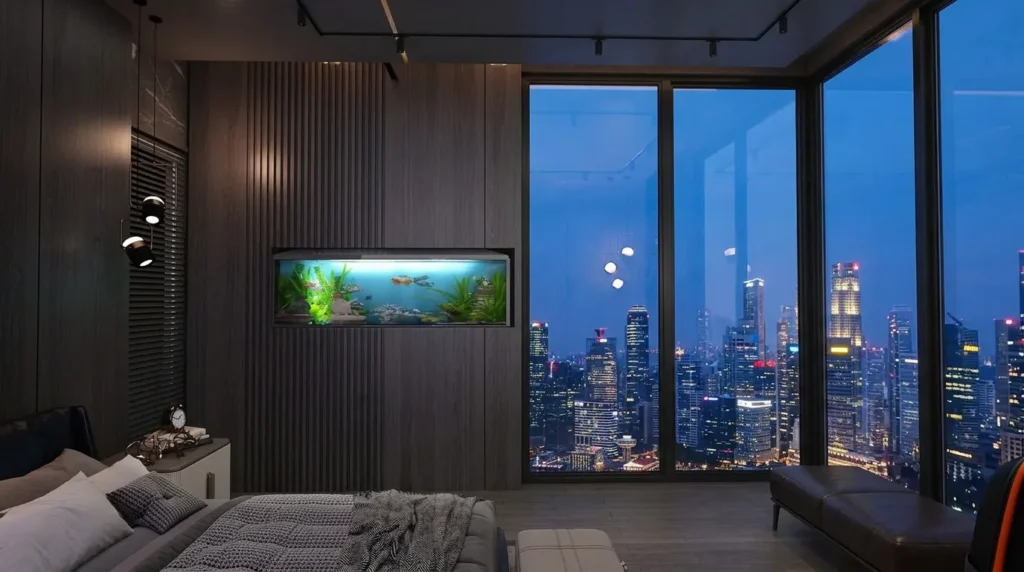
- Sun direction: Shadows in the photo and sun patches on your floor should come from the same side.
- Color temperature: Golden hour views need warm sunlight inside. Overcast views need soft, cooler light. Our Kelvin to RGB Converter helps you pick matching light colors fast.
- Time of day: Night views need interior lamps on and reflections strong on the glass, because the outside is darker than the room.
Tip 6: Try Parallax Interiors and Fake Depth Maps
Fake depth shaders solve a different problem: the view into windows from outside. In an exterior render of a tower, hundreds of windows with empty black rooms look dead. Modeling every room is too heavy.
Corona’s new Parallax Interiors map, shown in its preview builds for 3ds Max and Cinema 4D in October 2026, creates the illusion of a room behind the glass from a single image, without extra geometry. Since it is a preview feature, test it on personal work first and check Chaos’s official release notes before you rely on it for client deadlines. Game engines and some other renderers have similar “interior mapping” shaders, so the idea is worth learning even if you use another tool.
Tip 7: Add Small Details Near the Window
The area right around the window sells the transition from inside to outside:
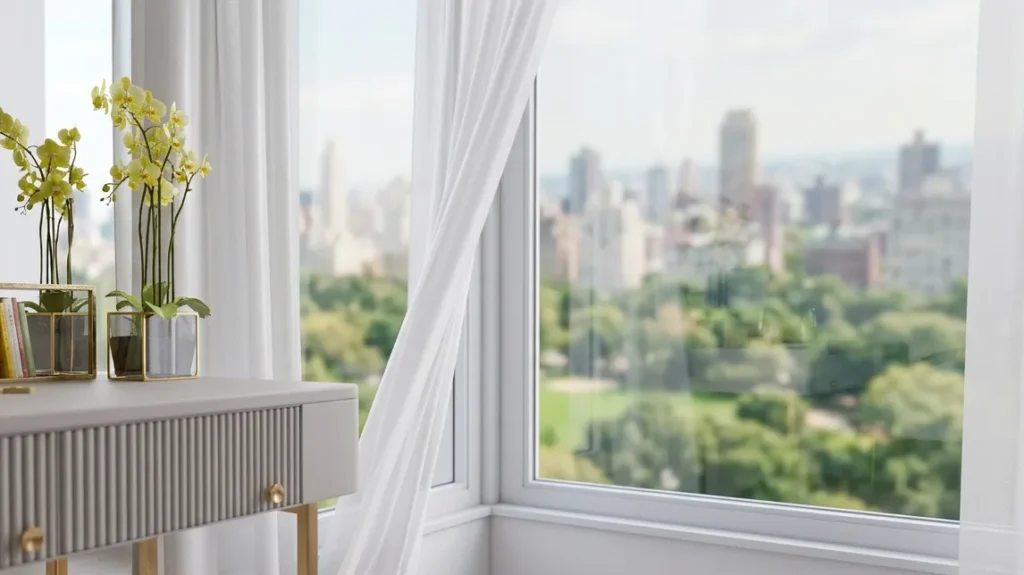
- Sheer curtains that softly glow with backlight (use a thin translucent material).
- A balcony railing or nearby tree branch in real 3D, so there is depth between glass and backplate.
- Window frames with real thickness and small bevels to catch highlights.
- Slight atmospheric haze on the far part of the view so distant buildings fade naturally.
Quick Checklist Before You Hit Render
- Horizon matches camera height.
- View is brighter than the interior but not pure white.
- Sun direction and color match inside and out.
- Glass shows a soft reflection.
- Backplate does not cast shadows or tint the room.
- At least one 3D element sits between glass and backplate.
Want quick starting values for your scene? Our V-Ray Render Settings Generator gives you a base setup. And if you’d rather have the whole interior done for you, see our interior rendering service or estimate a budget with the 3D Render Cost Calculator.
Frequently Asked Questions
Should I use an HDRI or a backplate for window views?
Use both. Let the HDRI light the scene, and place a high resolution backplate outside the window for the visible view. HDRIs alone often look soft near the horizon.
Why is my window completely white in the render?
The outside is far brighter than your camera exposure. Lower the backplate intensity, use highlight compression or filmic tone mapping, and avoid simply brightening the whole camera to fix a dark interior.
How far should the backplate be from the window?
Far enough that its edges never show and small camera moves do not reveal it is flat. Many artists place it 30 m or more away and scale it up to match.
Is Corona Parallax Interiors available now?
As of late October 2026 it was shown in Corona’s preview builds. Check Chaos’s official Corona release notes for when it reaches a stable version.
Do these tips work in Blender and D5 Render?
Yes. The ideas (horizon match, exposure balance, glass reflections, light matching) are the same. Only the material and setting names change.
References
Official documentation and research used for this article:
- Chaos Docs: VRayLightMtl – self-illuminated material, useful for backplates.
- Chaos Docs: VRaySun (V-Ray for 3ds Max) – how the V-Ray sun and sky system works.
- Chaos Docs: V-Ray Frame Buffer – exposure, highlight burn and filmic controls in the VFB.
- NAR: Make Sure Your Online Listings Shine – why listings need strong photos, staging and floor plans.